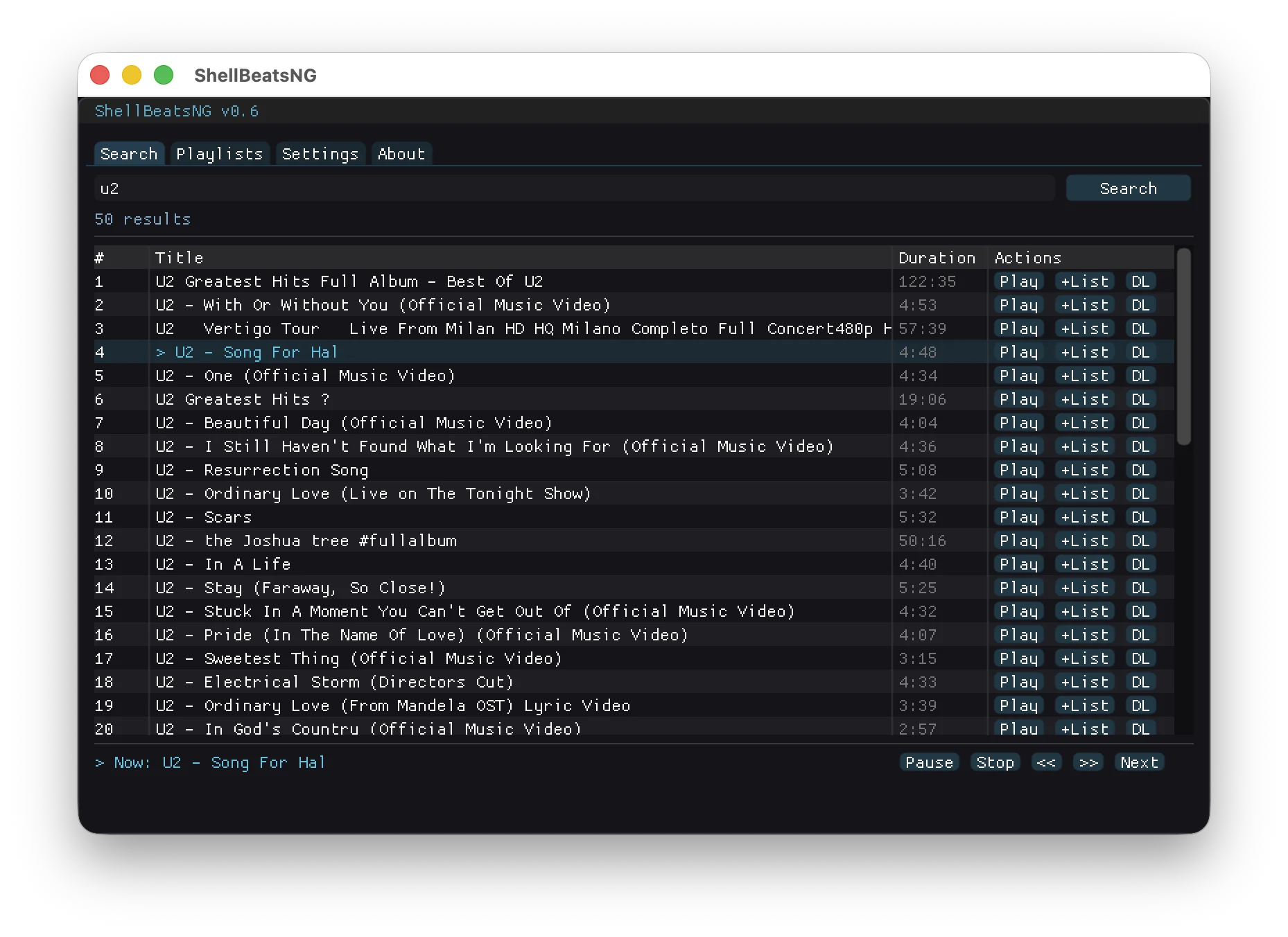
[ VIDEO PLACEHOLDER - Terminal running ShellBeats ]

Free & Open Source • Written in C

ShellBeats

Listen to YouTube music directly from your terminal. No distractions, no browser, no nonsense. Just pure music in your shell.

Simple to use
🎵
Stream & Download
📋
Create Playlists
📱
MP3 Player Ready
🔓 100% Free & Open Source

Why ShellBeats?

Born from the need to listen to music quickly, without distractions, even offline.

Simple to Use

No complex configurations. Just install it and start listening. Intuitive keyboard shortcuts let you control everything without leaving your terminal.

Stream from YouTube

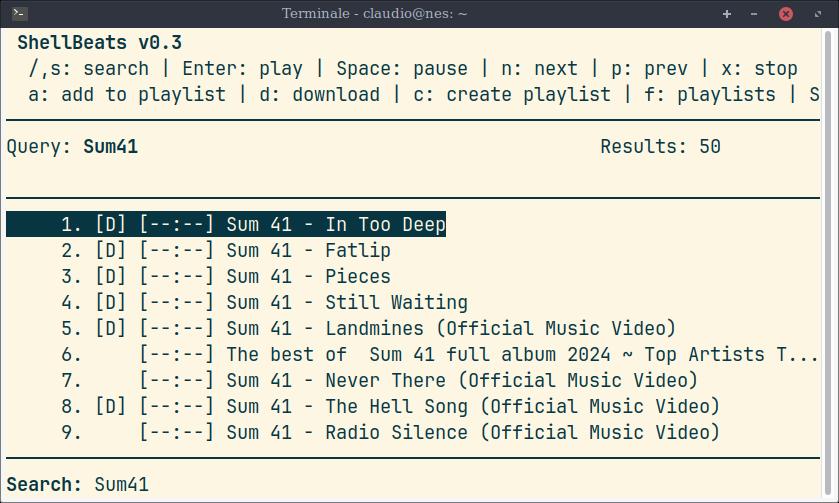
Search and play any song from YouTube instantly. No browser needed, no ads, no distractions. Just you and your music.

Download Your Music

Save your favorite tracks for offline listening. Download singles or entire playlists with a single command.

Create Playlists

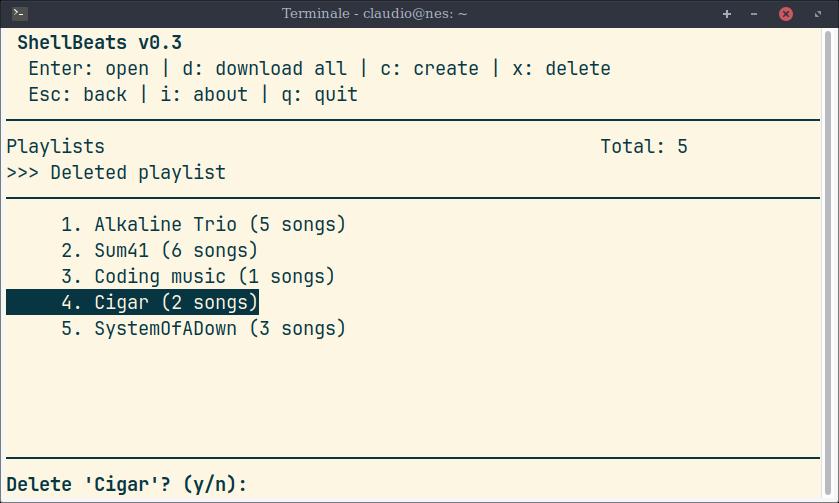
Organize your music into playlists. Export them as MP3 files ready to sync with your portable MP3 player.

MP3 Player Ready

All downloads are optimized and tagged. Just drag and drop to your MP3 player and enjoy your music anywhere.

Lightweight & Fast

Written in pure C with minimal dependencies. Uses almost no resources while delivering maximum performance.

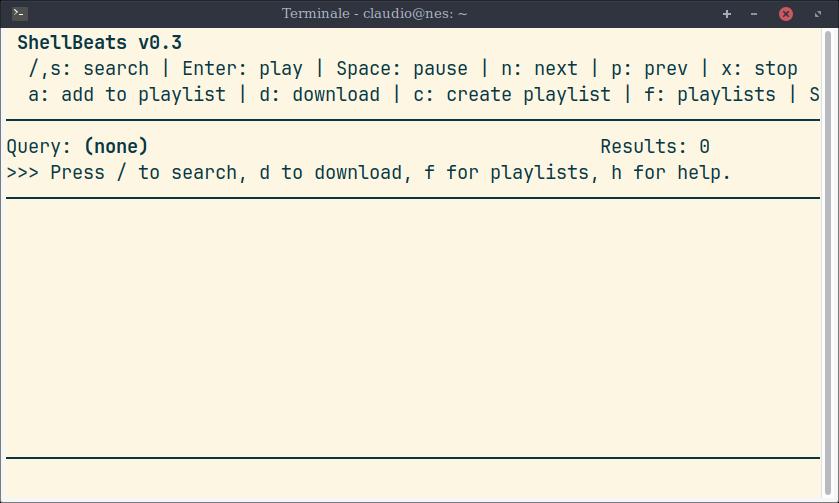
Terminal Interface

A beautiful ncurses-based TUI designed for keyboard-driven workflows.

shellbeats ~ main
[ IMAGE PLACEHOLDER - Main interface screenshot ]
Main Interface
shellbeats ~ search
[ IMAGE PLACEHOLDER - Search results screenshot ]
YouTube Search
shellbeats ~ playlist
[ IMAGE PLACEHOLDER - Playlist view screenshot ]
Playlist Manager
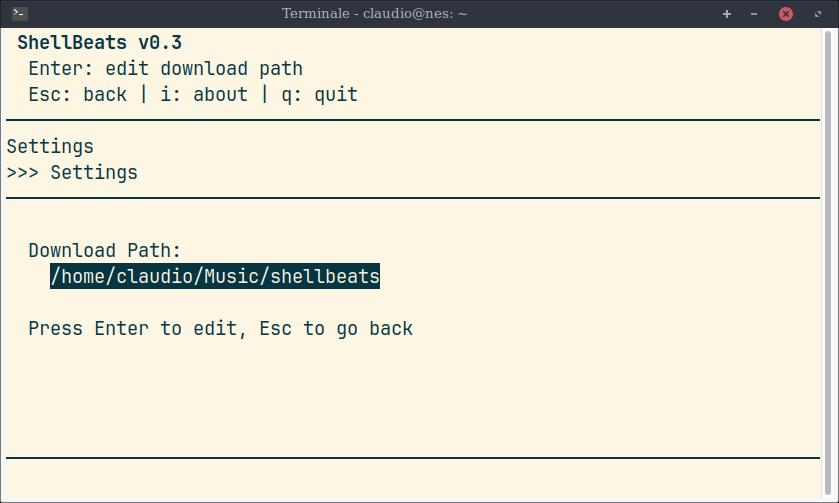
shellbeats ~ download
[ IMAGE PLACEHOLDER - Download queue screenshot ]
Download Queue

All Features

Everything you need for a complete terminal music experience.

🔍

YouTube Search

Search millions of tracks directly from your terminal

▶️

Stream Playback

Instant streaming without downloading first

⬇️

MP3 Downloads

Save tracks in high-quality MP3 format

📁

Playlist Management

Create, edit, and organize your playlists

📥

Batch Downloads

Download entire playlists with one command

⏭️

Queue Download System

Build your download queue on the fly

⌨️

Keyboard Shortcuts

Full keyboard control, no mouse needed

The Story

/*
 * ShellBeats
 * A terminal music player
 * 
 * Christmas 2025
 */

#include <passion.h>
#include <family.h>
#include <cigars.h>
#include <chess.h>

int main() {
    while (on_vacation) {
        play_chess(kids);
        smoke_cigar();
        write_code();
    }
    return SHELLBEATS;
}

Christmas Vacation Project

ShellBeats was born during the Christmas holidays of 2025. I wanted to return to writing C code after a long time — there's something special about the simplicity and power of this language.

I was on vacation with my family, and between a cigar and a chess game with my kids, I started writing what would become ShellBeats. The goal was simple: listen to music quickly, without distractions, without opening a browser, without ads interrupting the flow.

What started as a small experiment grew into a full-featured terminal music player. Now I can queue up my favorite songs while working, download them for offline listening, and sync everything to my MP3 player for when I'm away from the keyboard.

— Made with ❤️ and lots of coffee

Get in Touch

Found a bug? Have a feature request? Just want to say hi?

compose_message.sh